Never forget
a name again.Even Bartholomew Fitzwilliam‑Throckmorton.
Making friends and remembering names.
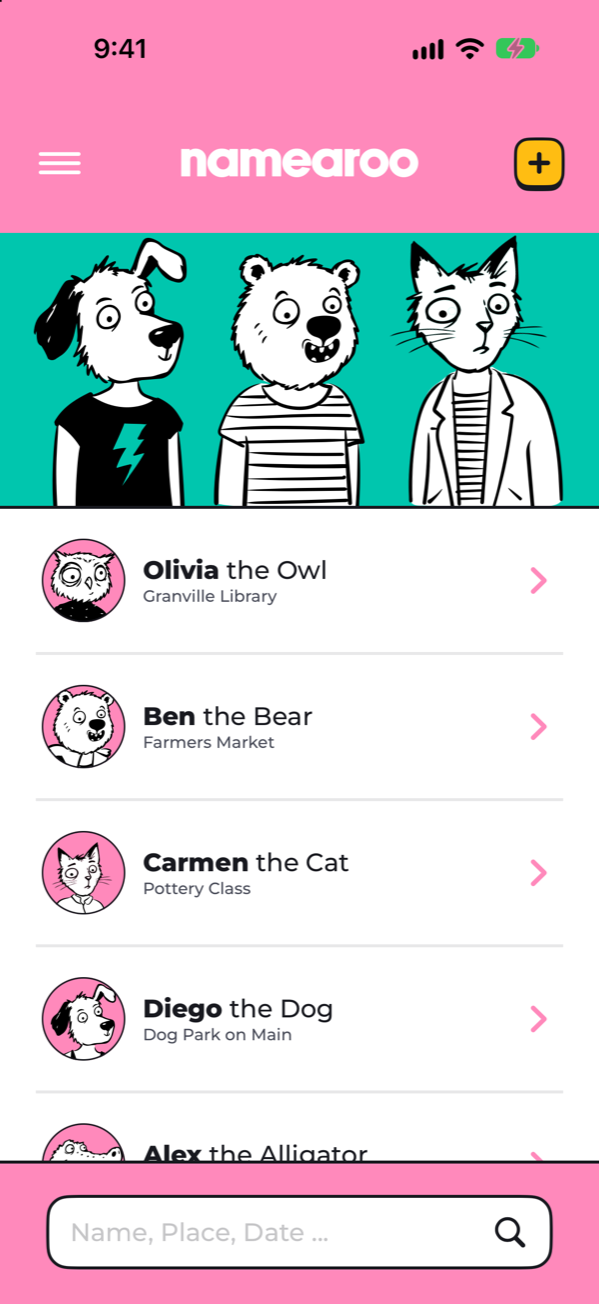
You make the connections. Namearoo helps you remember their names with Memory Animals that give you a visual cue and quick quizzes that help those names stick.
Connect. Save. Remember.
-
Make a Connection.
“If you could be any animal, what would you be?” Find out why.
-
Save their Name.
Add their name, Memory Animal, and story with Siri or in the app.
-
Get quizzed.
Name quizzes help names stick! Recall, guess, increase your name remembering streak!
Memory Animals give you a visual cue that makes names easier to recall.
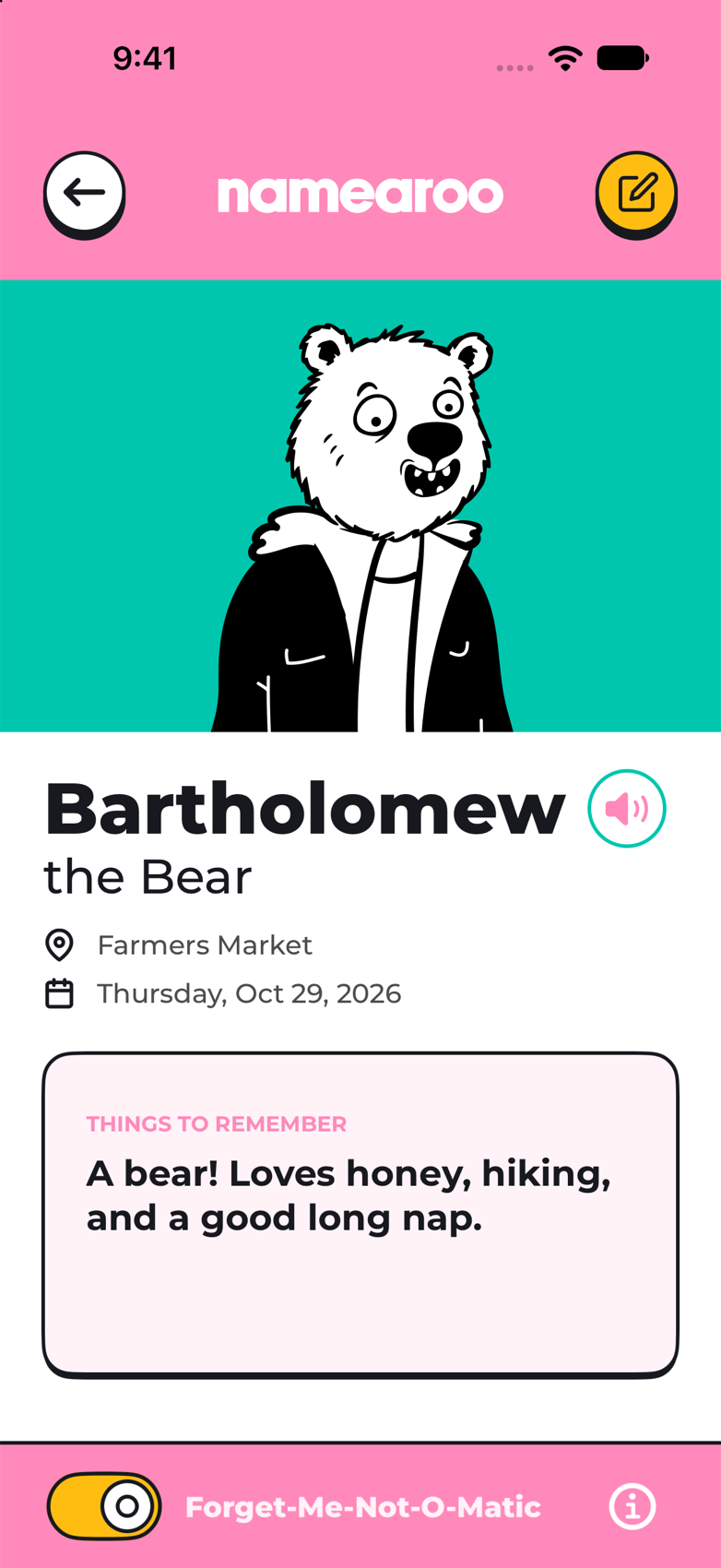
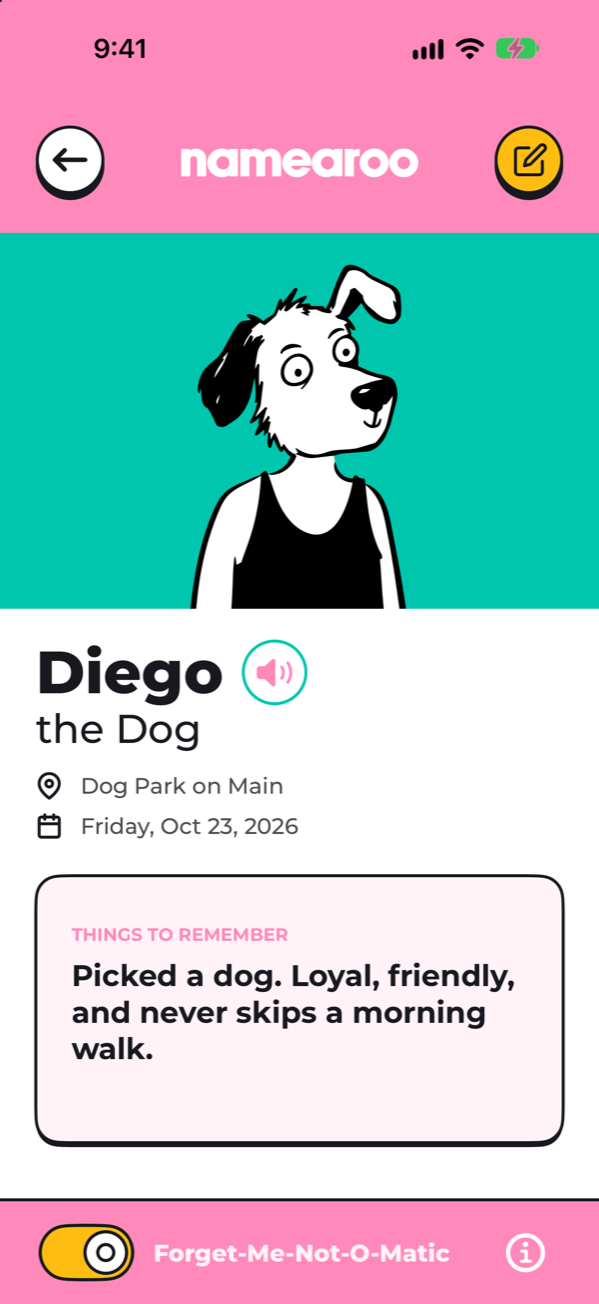
Diego picks a dog. “My dog is my world.”
Now you have a name, an animal, and a little glimpse of the person behind them.
That’s the idea behind a Memory Animal. Let their answer start a conversation. Save why they chose it. Picture Diego with his dog, and connect that image with his name.
Now you have a multiple-point connection that makes it easy to recall Diego's name every time.
Quick quizzes to get those names to stick!
You’re going about your day. A Namearoo notification arrives, and you get a chance to remember a new friend.
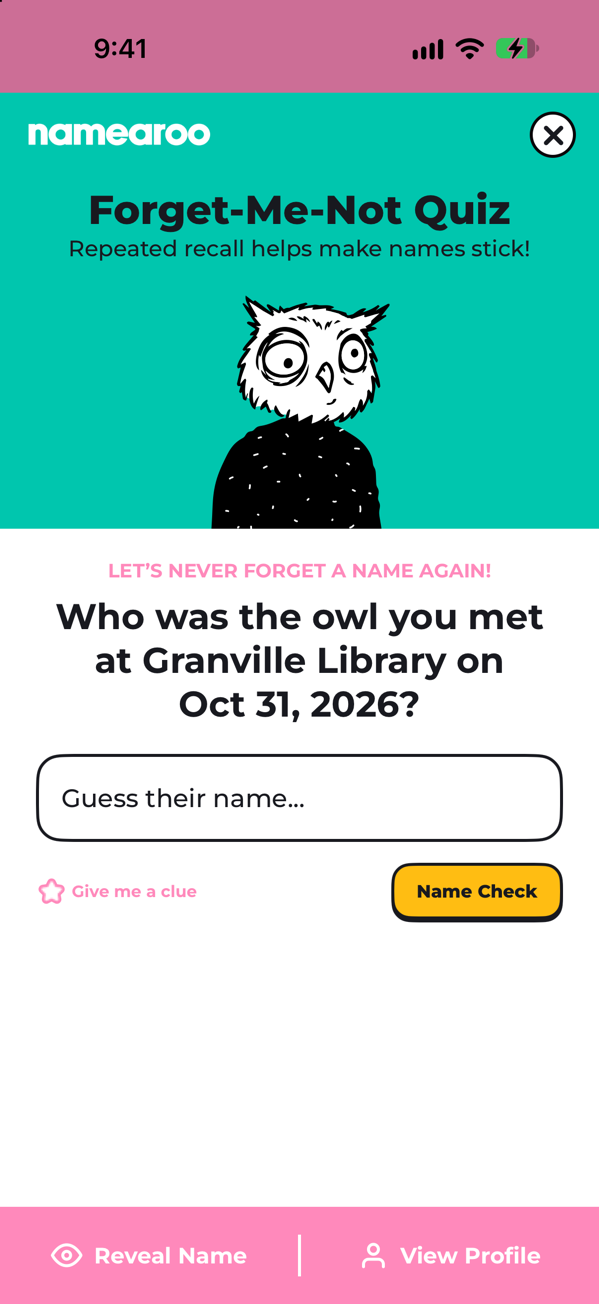
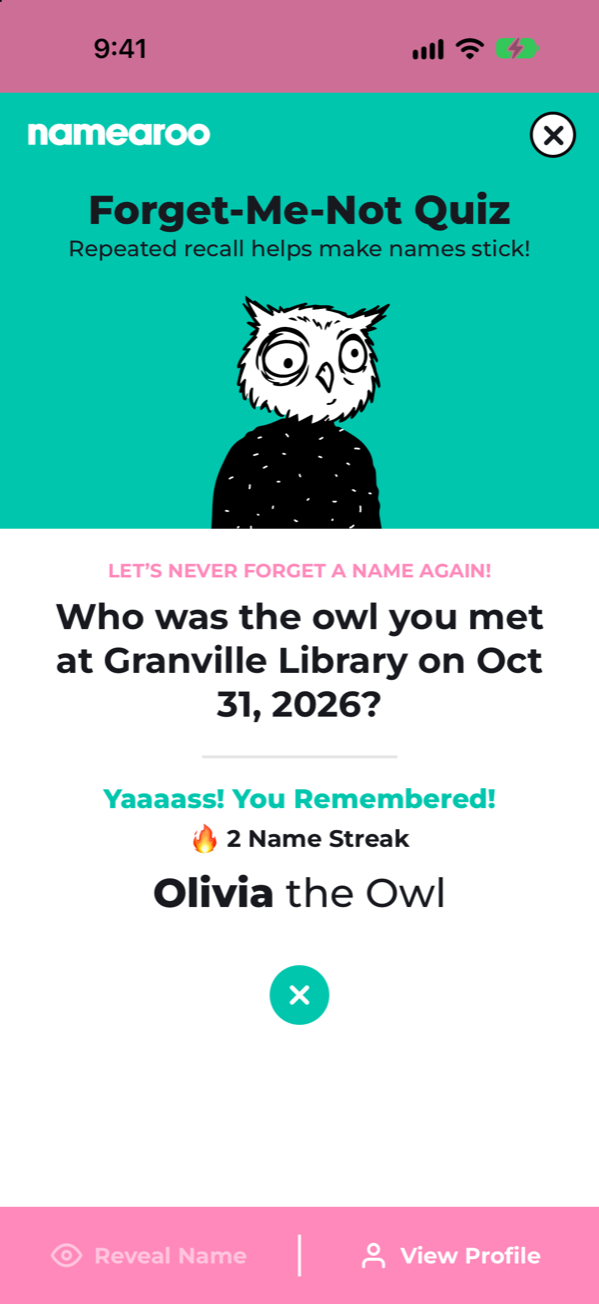
Who was the owl you met at the library?
Pause. Picture where you met. Guess the name. Remember it and your name streak grows!
Namearoo’s Forget-Me-Not-O-Matic schedules short quizzes over time, pairing your Memory Animal with where and when you met. Type the name and check your answer. Need a hand? Get a clue or reveal the name.
Adding names to remember is as easy as "Hey, Siri"
“Hey Siri, add a Namearoo.”
After you meet someone new. Tell Siri who you met, pick a Memory Animal, where you met, and anything else to help you remember their name.
- “Anna.”
- “Otter.”
- “The community garden.”
- “Loves the beach & swims every day.”
Four quick replies. A new connection saved. Everything you need to never forget their name.
Remembering takes practice.
Research on learning people’s names supports practicing recall and spreading that practice over time is even better! Namearoo brings those principles into action in the form of short name quizzes.
Your Memory Animal gives you a visual cue to connect with the person and their name. The details you learn when you meet help make that connection stick.
Explore the research on name learning
Namearoo is informed by memory research. Its specific Memory Animal system and review schedule have not yet been independently validated.
Good to know.
Do I have to choose a memory animal?
Asking which animal they would be and why helps give you something personal to connect with their name. If asking doesn’t fit the moment, you can choose an animal yourself or let Namearoo do it for you.
When do the quizzes arrive?
Namearoo schedules five quick quizzes at random times to help you remember someone’s name. Prefer to skip the quizzes? No problem. You can turn them off anytime or start a second round if a name is still giving you trouble. Quiz delivery may vary depending on your device settings.
What if I can’t remember?
Try a first-letter clue or reveal the name. Take a moment to reconnect the answer with the person and their Memory Animal.
Can I turn reminders off?
Yes. You can switch the Forget-Me-Not-O-Matic off for an individual person.
Where is my information stored?
On your iPhone. Namearoo has no accounts, servers, analytics, or ads. Read our privacy policy.
Which iPhones can run Namearoo?
Any iPhone with iOS 17 or later. That’s iPhone XS, iPhone XR, iPhone SE (2nd generation) and newer. iPhone X, iPhone 8 and older models aren’t supported.
Making Friends & Remembering Names
Namearoo is almost here. Want to try it first? Join the beta and help shape the app.